On this page, we install HomCloud using venv, which can create lightweight virtual environments for Python.
You can easily use different versions of HomCloud using venv.
1. Install the following deb packages using apt#
- libpython3-dev
- python3-venv
Type as follows:
sudo apt-get update
sudo apt-get install python3-all-dev python3-venv
2. Create a new virtual environment#
First, you should make a working directory. In this example, let’s name the directory homcloud:
mkdir homcloud
cd homcloud
You can create a new virtual environment in the working directory:
python3 -m venv venv
Then, a directory whose name is venv is created. The files in the virtual environment are stored in this directory.
3. Enter the virtual environment#
Type as follows to enter the virtual environment:
source ./venv/bin/activate
This operation is required every time you invoke a new shell.
4. Install the latest HomCloud#
Type as follows to install HomCloud:
pip install wheel
pip install "homcloud[recommended]"
5. Run HomCloud’s self-check program#
Finally, to check whether the installation process was successful, run the self-check program as follows in the terminal:
python -m homcloud.self_check --pyvista
After starting, a window with the following image will be opened. Please close the window.
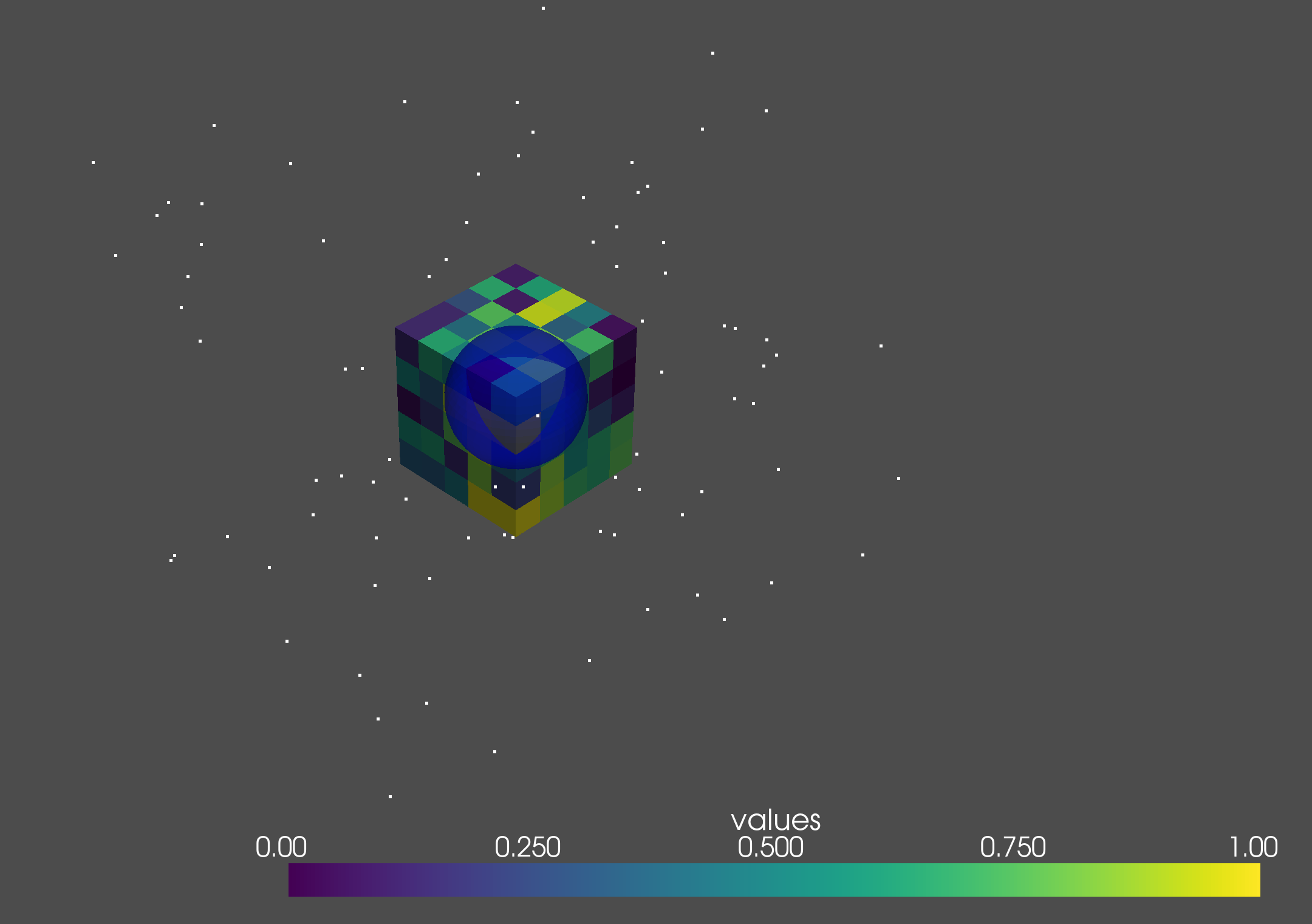
The installation succeeds if the following message is shown in the terminal.
HomCloud version: 4.0.0
Python version: 3.10.6 (main, Mar 10 2023, 10:55:28) [GCC 11.3.0]
Alpha Shape 3 ... ok
Alpha Shape 3 with weights ... ok
Periodic Alpha Shape 3 with weights ... ok
Alpha Shape 2 ... ok
Grayscale 2D bitmap ... ok
Binary 2D bitmap ... ok
Binary 2D periodic bitmap ... ok
Rips filtration ... ok
Plotting PD ... ok
Optimal Volume ... ok
PyVista 3D drawing (close the pop-up window)... ok
The installation is now complete! Enjoy with HomCloud!
6. (Optional) Install Dipha#
You optionally install dipha for more than 4-dim voxel data.
- Install openmpi and cmake to build Dipha:
sudo apt-get install openmpi-bin libopenmpi-dev cmake - Download
dipha-2.1.0.zipfrom https://github.com/DIPHA/dipha/archive/dipha-2.1.0.zip. - Extract the downloaded zip file
- Go to the created directory
- Type
cmake ., and create Makefile - Type
maketo build dipha - Copy the dipha executable file to the directory in
PATHenvironmental variable. - Run self-check program:
python3 -m homcloud.self_check --dipha